- Access the Database Menu
Locate the Database drop-down menu at the top right of the screen.
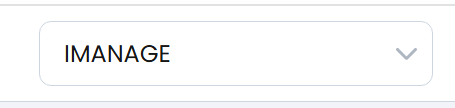
- Select a library from the list. All libraries available to the iManage Service account are shown.
- This menu is not based on the user logged in, but on the Service Account.
- Open User Settings
Go to the top right of the screen and find the User Settings menu under your name.
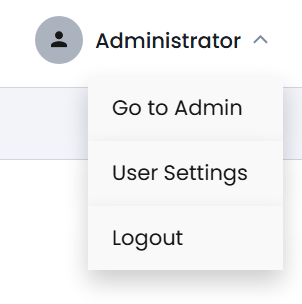
Choose User Settings under your user profile.
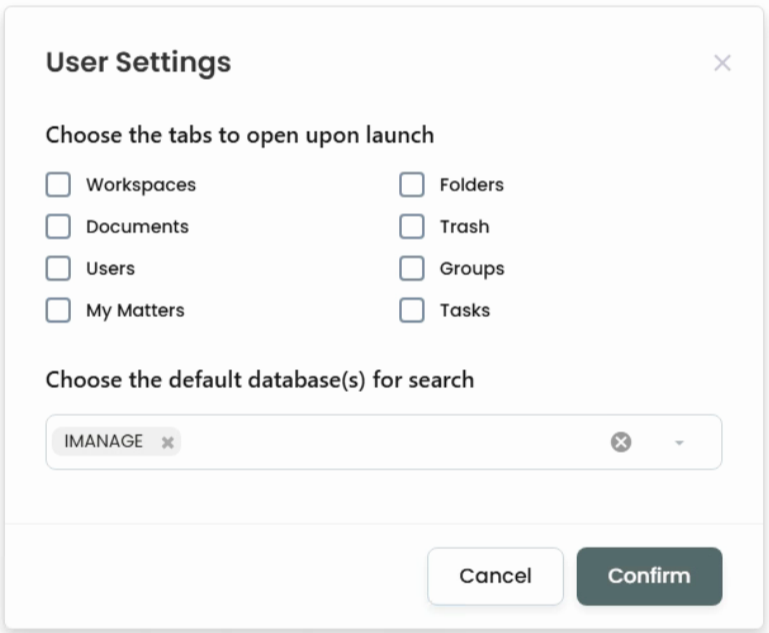
- Set Default Tabs and Library
- Select which tabs to load when the application launches:
- Workspaces
- Folders
- Documents
- Tasks
- Trash
- Users
- My Matters
- Groups
- Choose a default iManage library if desired.
- Note: Each time you refresh your browser, the default tabs will launch.
- Select which tabs to load when the application launches:
Service Desk Menus
Updated on