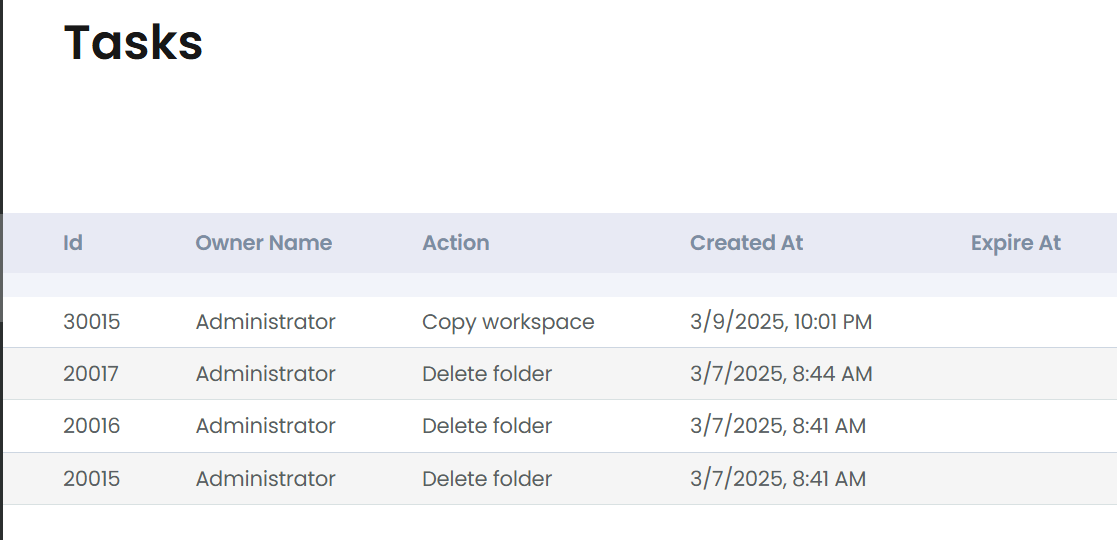
There are certain Workspace, Folder, and Document right-click menu options that will need to be processed on the backend. This is mainly because they take extra time to process. Examples of these options may be Move Workspace, Delete Workspaces, and Copy Folders. Any multi-select options will certainly require back-end processing as well, and any process that contains five objects or more.
When processing is moved to the back-end, they are added to our Task list. The Task item contains details which can be viewed by right-clicking on each Task and choosing Details:

Details may look like this for a Delete:

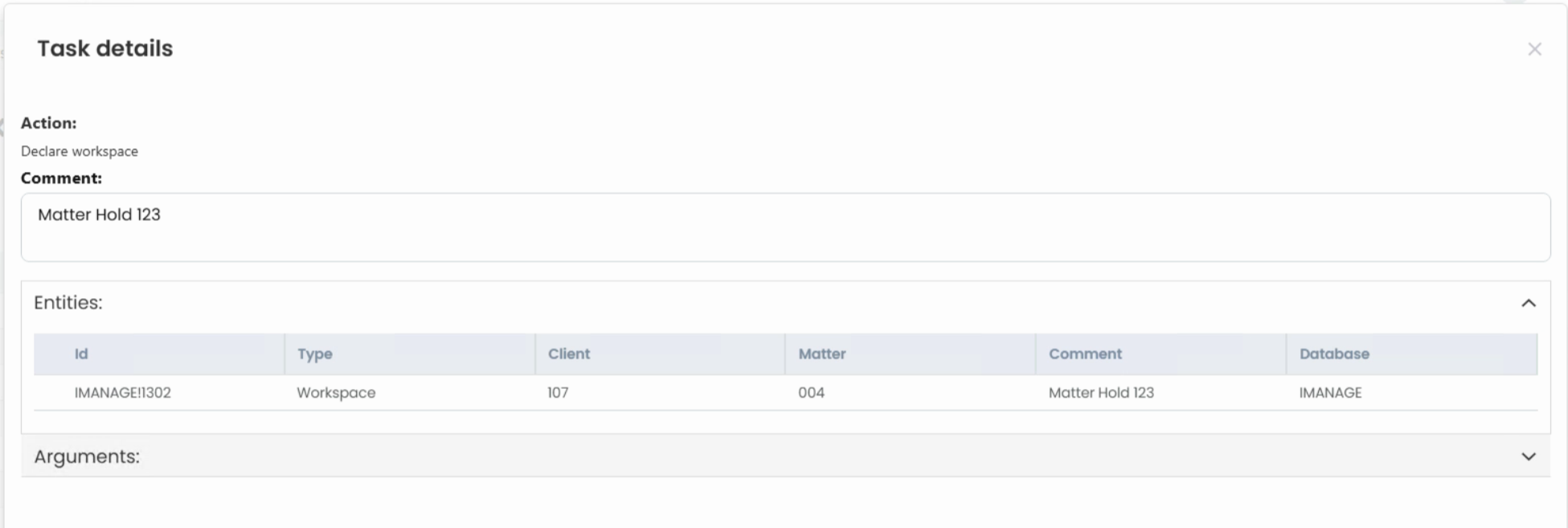
If there are any errors, you can report these errors to IT for additional help.
The “Comment” field will support user’s notes on the task. It is not required to be filled in and can be filled in at any time.
Columns in the Tasks grid were renamed. Here is the list of State Names:
- Enqueued
- Processing
- Failed
- Scheduled
- Succuss
Action Types list:
- Create
- Update
- Delete
- Move
- Copy
- CheckIn
- Declare
- Undeclare