Depending on the options chosen for your account, you may have been granted the right to see the Admin Module. This module supports Users, Roles, and Audit Logs of the application.

Anything listed in this module is specific to the application, not to iManage. However, the iManage library is required to be selected before continuing.
Users
This list view shows all users of the Service Desk system. This list of users does not match the users in iManage necessarily, rather, it’s simply the users that have logged into Service Desk at least once. Before the user will be listed in this list view, they must login once.
Alternatively, you can import all users without having to require a login. You can choose this option in the Users list view:

Chose the CSV Import button, you will then be presented with this dialog:
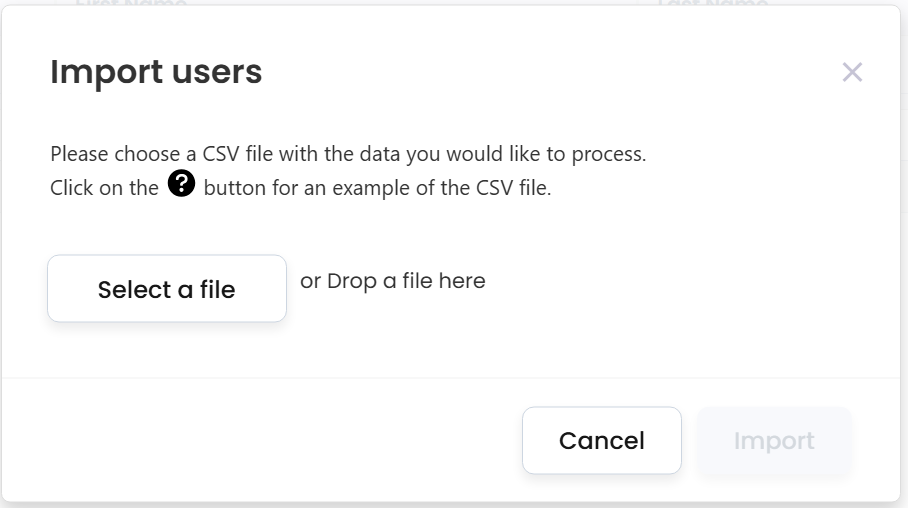
A sample of the CSV can be downloaded by choosing the question mark icon. The CSV requires a UserID and a Role. For example:
DGELLER,Admin
JSMITH,ADMIN
As long as the user is a member of the Active Directory group defined by your administrator, then they will be allowed into Service Desk. However, they will not have any permissions initially. Each user will need to be applied to a Role if the user is not imported from CSV. The Role will determine all of the initial permissions. However, once in the Role, the user’s rights can be overwritten:
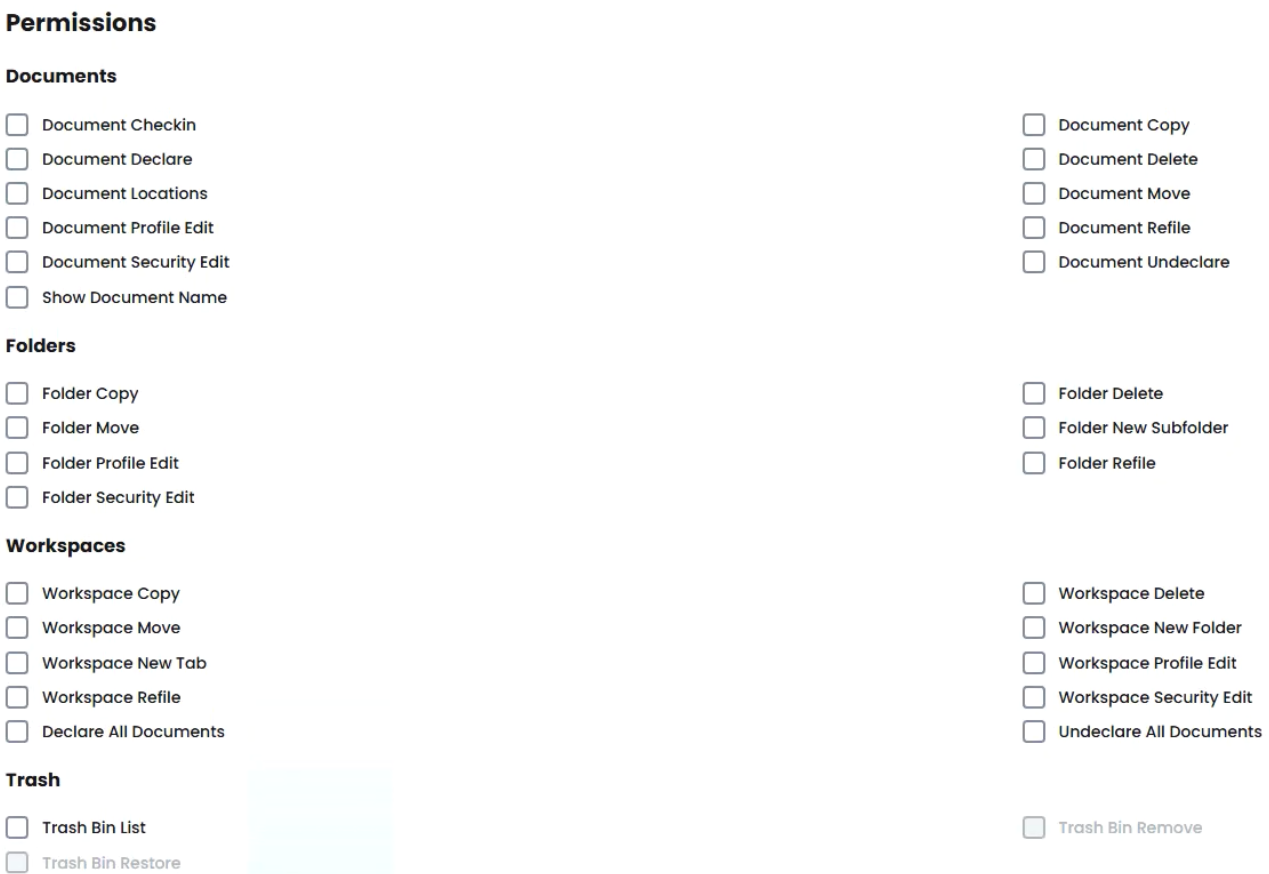

As an Admin, no other checkbox is needed. However, once the Admin checkbox is unchecked, all other checkboxes can be selected for the individual feature options.
The Columns tab lists all columns from every list view the user is allowed to see. This is helpful to ensure non-administrative users cannot view Client Names or Matter Names.