Within the Groups list view is a complete list of every iManage Group. Based on how the system is configured, you will either have read only rights to see Groups or rights to add and modify Groups.
Each Group listed is synchronized from iManage. Any changes made are instantly updated in iManage.
Choose the Group from the list view to make changes by double clicking on the Group:
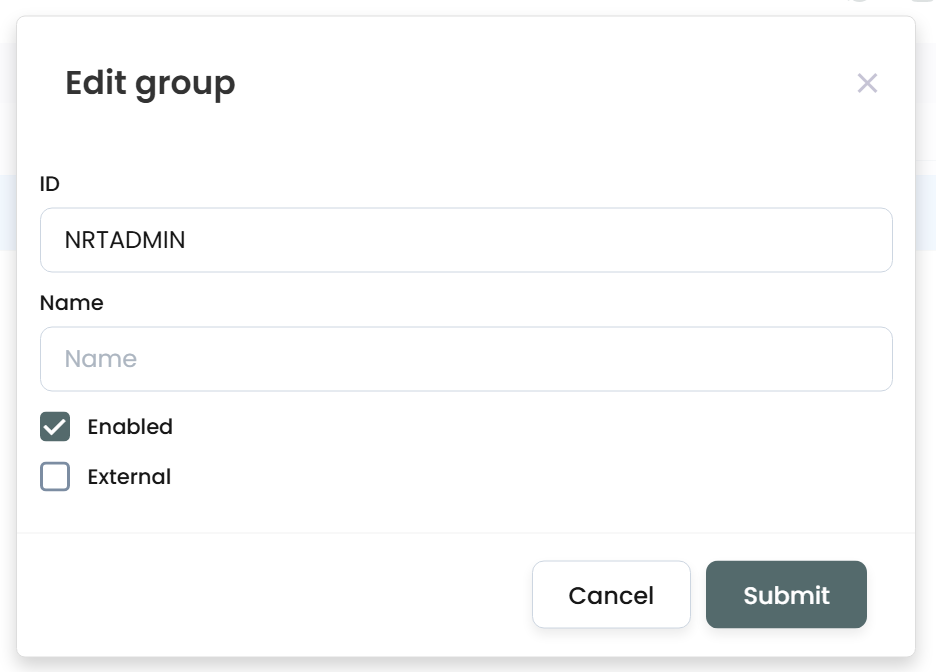
While you cannot change the ID, you can make changes to the Name, Enabled flag, and External flag.
If you right-click on the Group, choose the Members option to add/remove members of the Group. Simply select the checkboxes for all users that should be added or removed to the Group.
The top list of users will show what is selected:
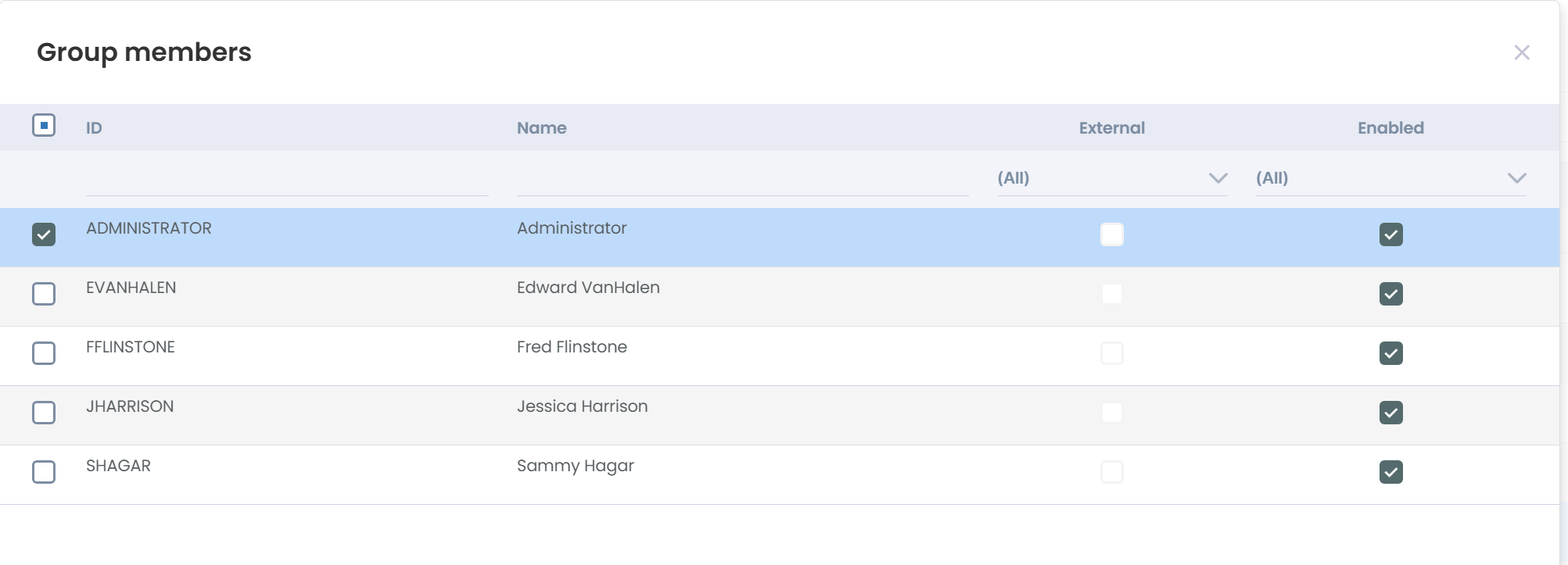
In this example, Administrator is included in the Group, while the others are not yet added.
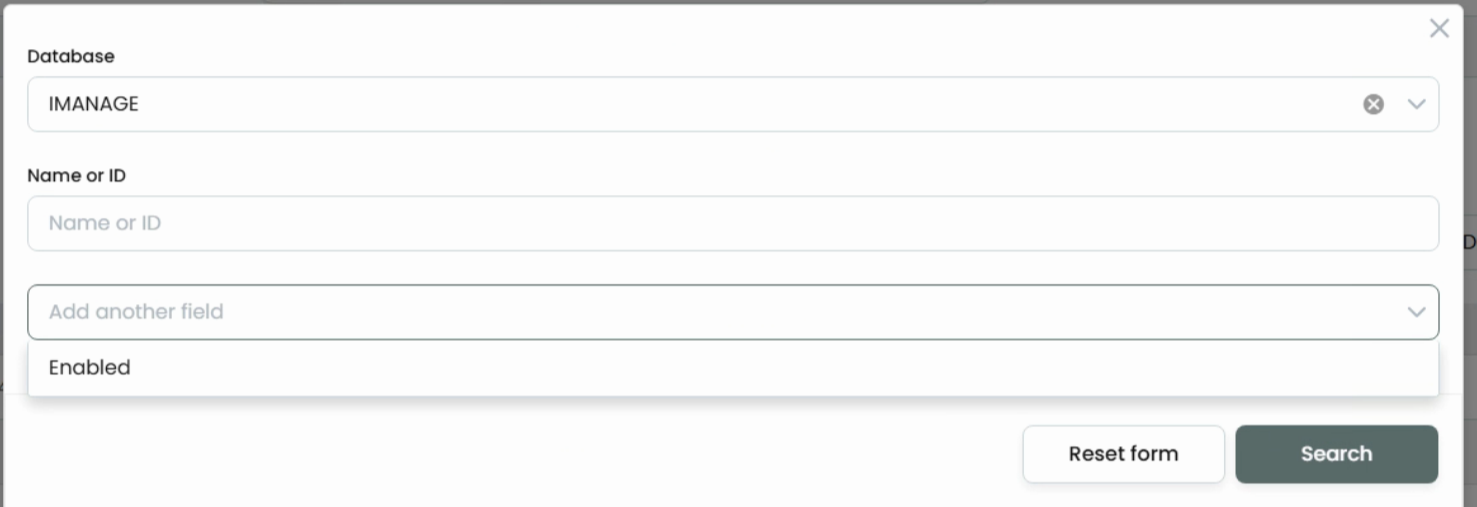
Searching for Groups uses the same concept as Work 10 Web. You can only search by GroupID or Group Name. It’s not one or the other: