The My Matters list details all My Matters Workspaces for a given user. Simply search for the user from the Search bar:
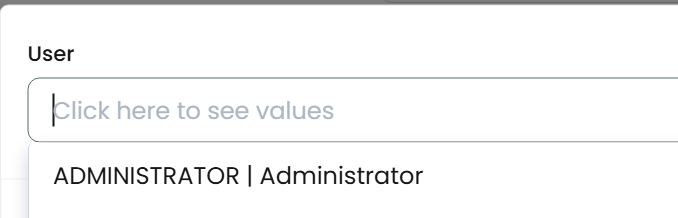
Once selected, the Workspaces in the My Matters list will appear:
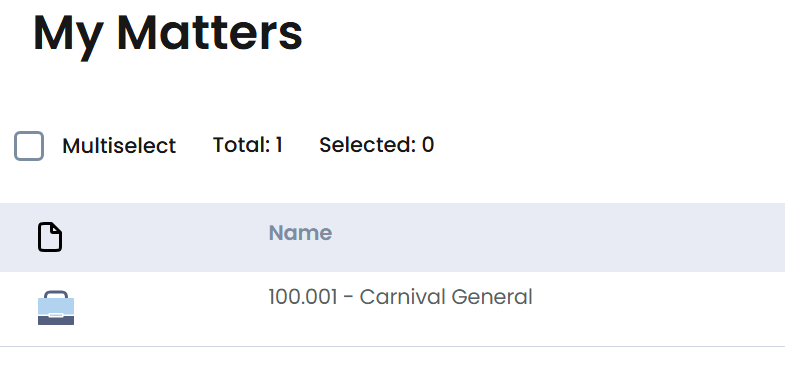
Right-click on the My Matters entry to delete it:

You can add to a user’s My Matters from the Workspace list view and right-click on a Workspace, then choose Add to My Matters.
You can also configure the security of a user’s My Matters by choosing the “Share Access” button at the far right of the screen after first selecting the user:
Once selected, you can choose to see the complete security access for the My Matters:
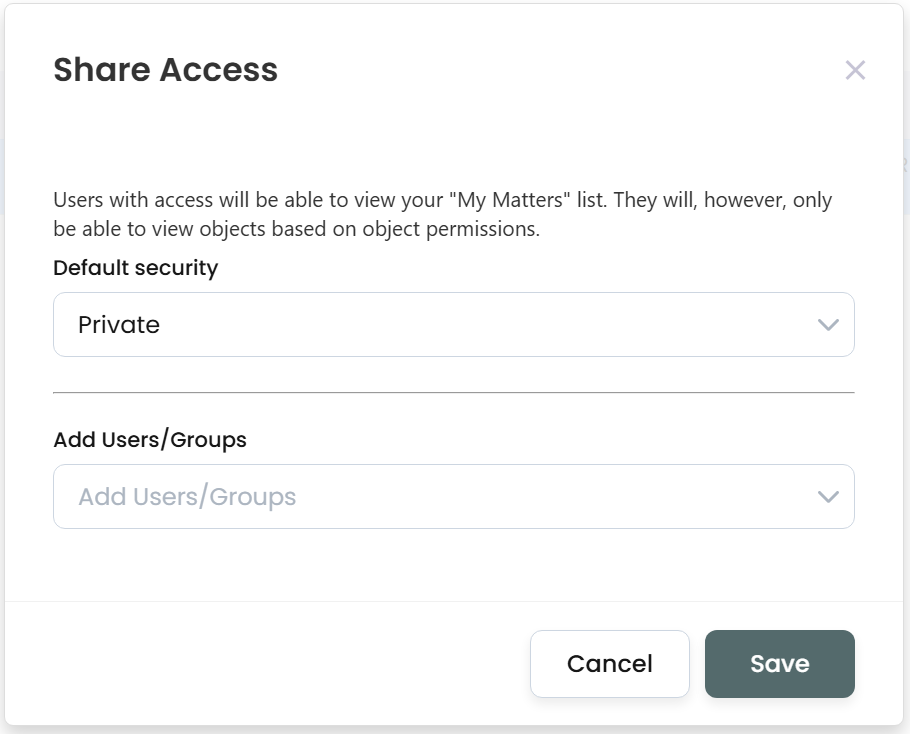
Simply choose the Default as well as the individual ACLs and choose “Save”.