The Roles tab will show Permissions, Members, and Columns. The Admin role will be there by default and is required for normal operations. However, you can create additional Roles by choosing the “Create” button.
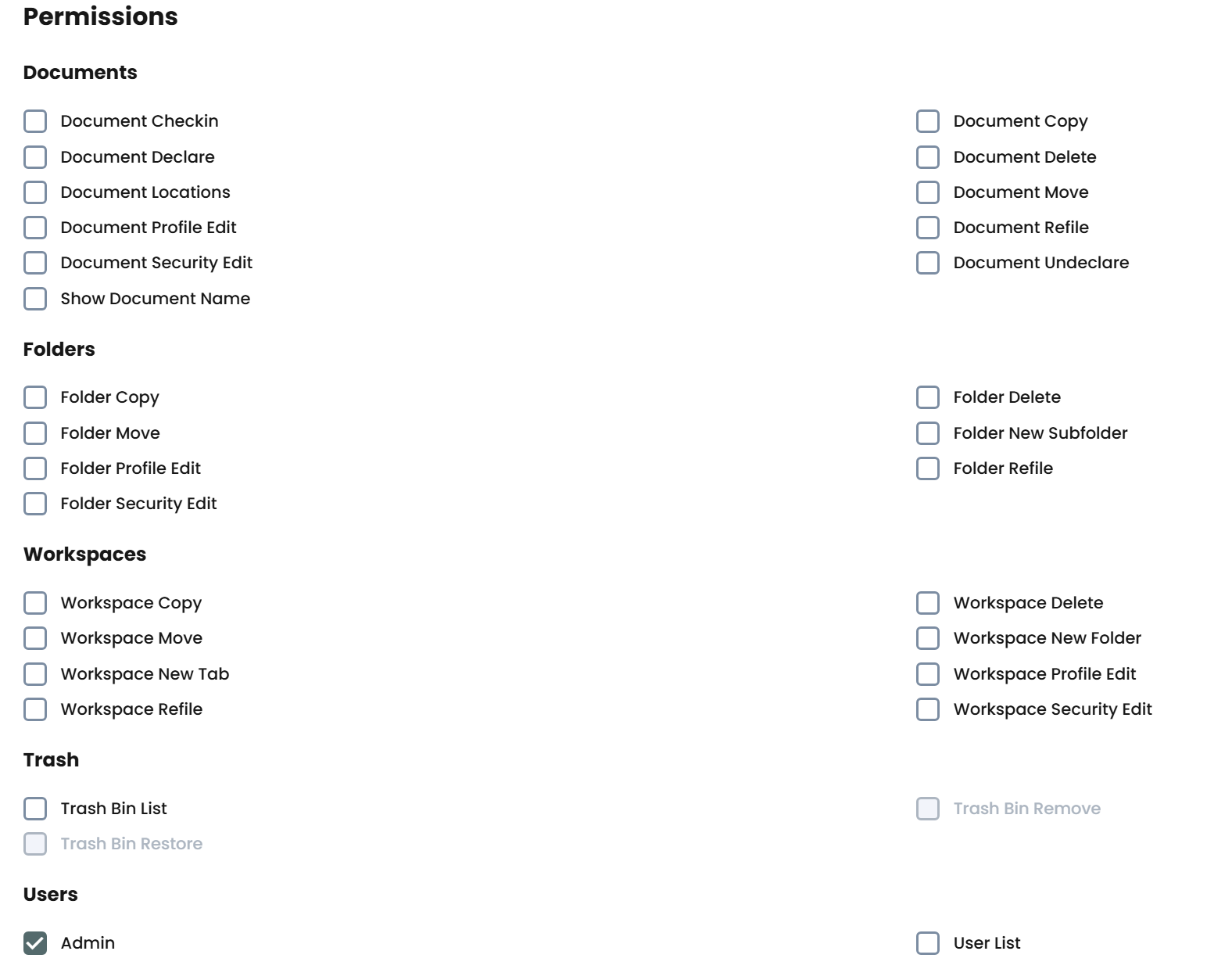
The Permissions will list all features in the application, which will be applied to any User that is a member of that Role.

The Members tab lists all Users of the Role. You can easily add and remove users in the Role. However, the User must first login once before they can be added to a Role.
The Columns list view will show all columns available for the selected Role. This is helpful to limit what fields are available for the users.
Each feature added to Service Desk will have a checkbox listed.