Users
The Users list details all of the iManage Users for the selected library. Select the user account, right-click, and choose “Copy Assignments”:

That option will select the user selection screen:
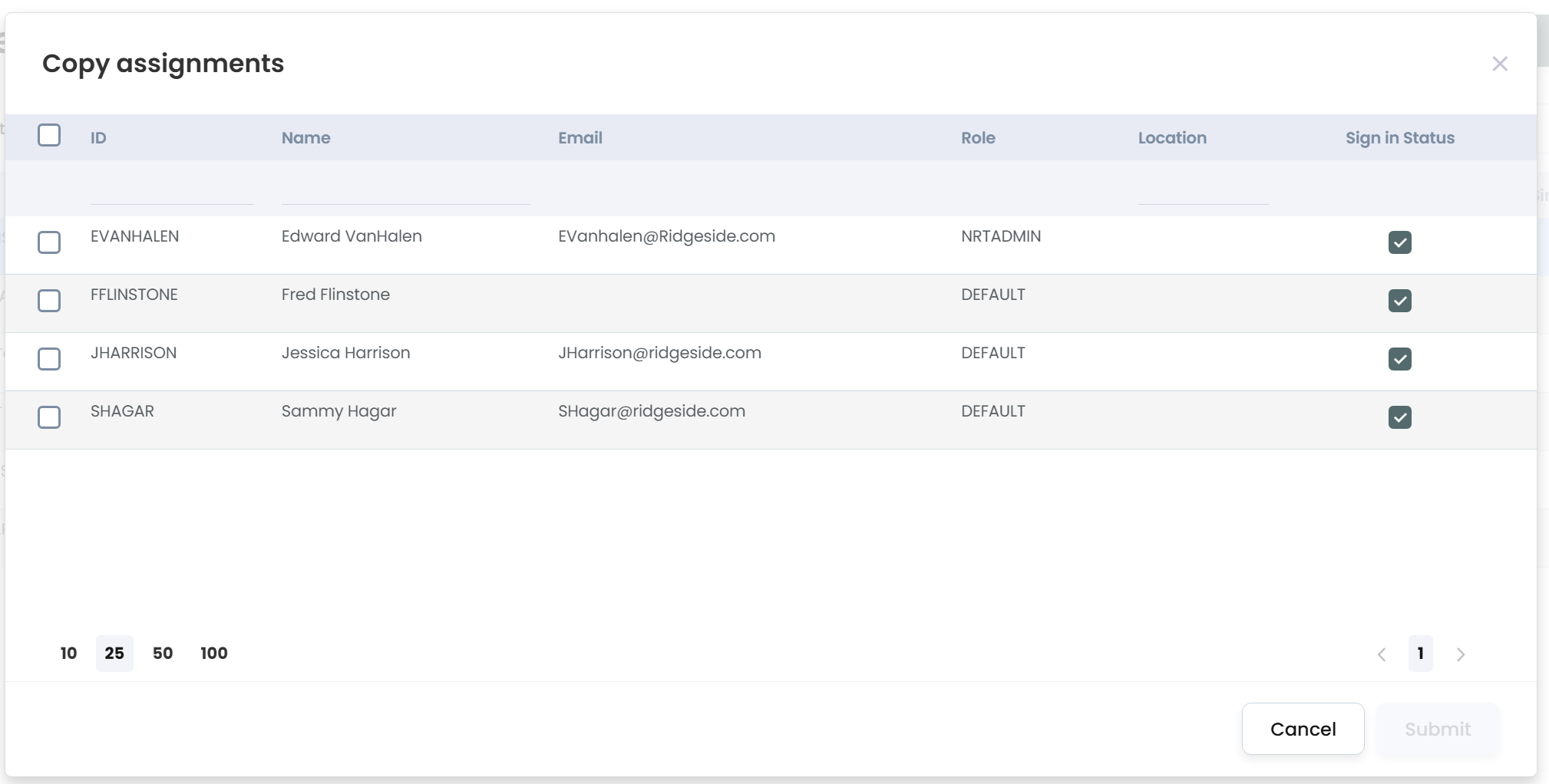
Choose one or more users to select for the assignments.
Once completed, choose “Submit.”
Now all of the iManage Groups assigned to the initial user selected will be applied to the one or more user selected.